Pin a port to the right code
Updated
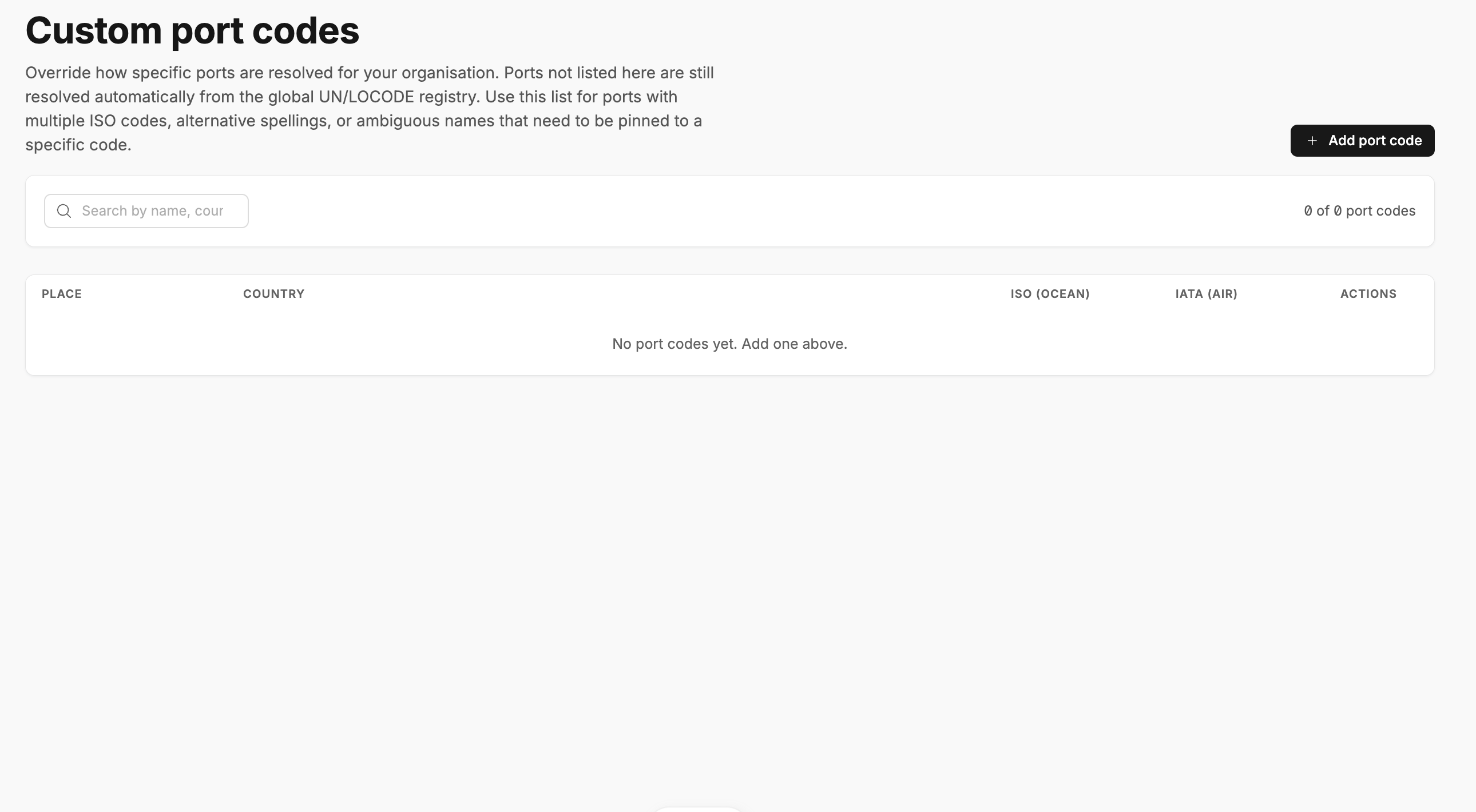
RegoIQ reads port names from documents and turns them into codes your TMS accepts: the UN/LOCODE for ocean, the IATA code for air. Most ports resolve from the global registry without help. Port codes under Settings is for the rest: places with more than one code, alternative spellings, or ambiguous names that keep resolving to the wrong place.
You need the Organisation admin role.
How a port is resolved
- Your own list is checked first, by place name and country, or by place name alone when the document gives no country.
- Then the global UN/LOCODE registry, when the country is known.
- Otherwise TaluxIQ works it out from the document and checks the answer against the registry.
An ocean job uses the entry's ISO code and an air job its IATA code. If your entry has no code for the job's mode, the lookup falls through to the registry.
Add a port
- Select Add port code.
- Enter the Place name as it appears on documents, the two-letter Country code and the Country name.
- Enter the ISO code for ocean, the IATA code for air, or both. Each is five characters, such as CNSHG and CNPVG for Shanghai.
- Select Add.
Edit or remove an entry from its row. Search finds entries by name, country or code.
When to add one
Add an entry when the same place keeps arriving under a spelling the registry does not know, when a city has several ports or airports and your jobs always mean one of them, or when a document names a place that shares its name with another country's. Pinning it here settles the code for every future job.