Reconcile a creditor statement
Updated
A creditor statement lists what a supplier says you owe. TaluxIQ reads the statement and checks every line against the supplier's invoices in AP invoices, so you can see at a glance which invoices match, which differ in amount, and which you have never received.
You need the Accounts payable role.
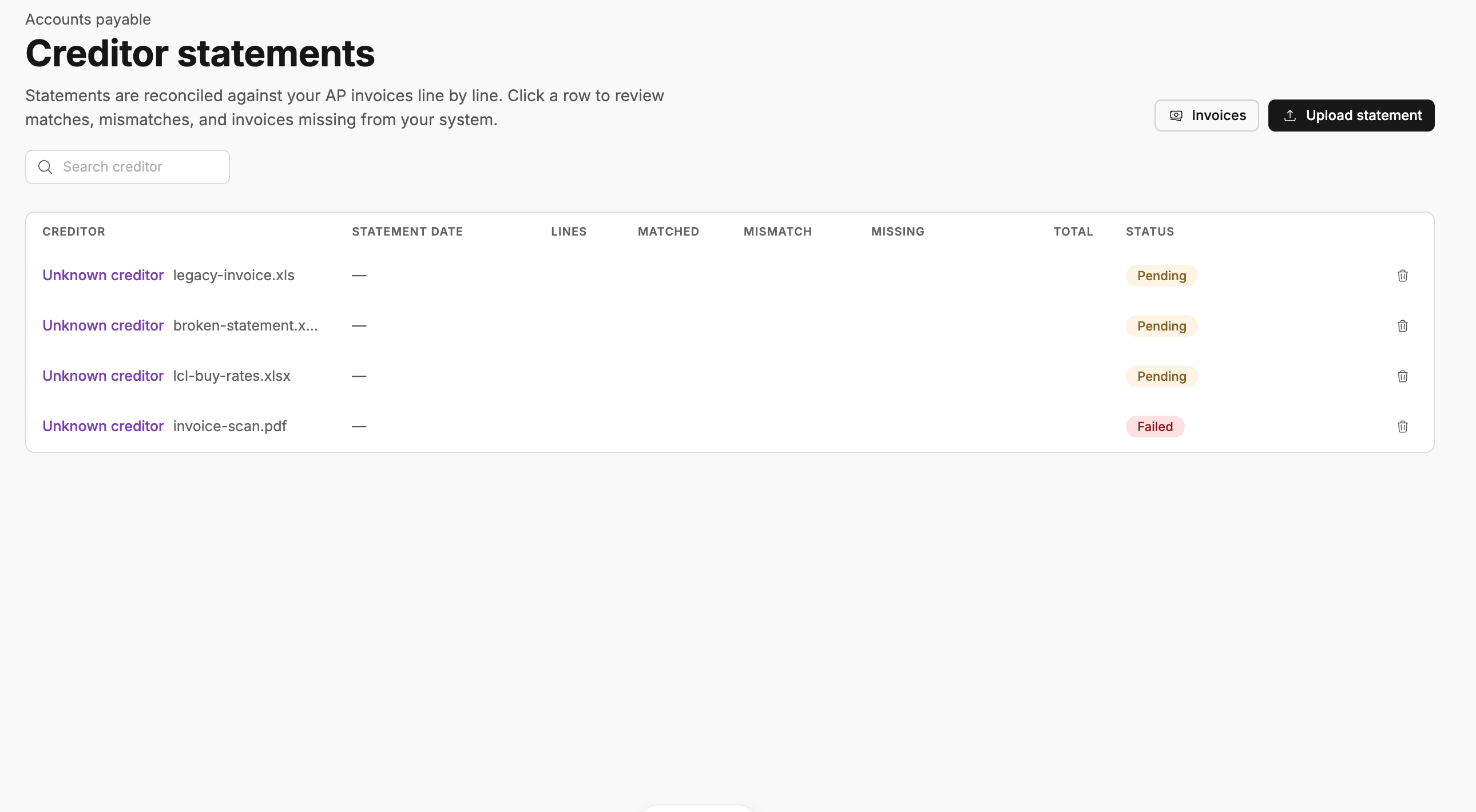
Get a statement in
- A statement that arrives by email in your connected inbox is read and added to Creditor statements by itself.
- Or select Upload statement. The same file types and sizes apply as for invoices: PDF up to 50 MB, spreadsheet or Word document up to 4.5 MB. A file uploaded before is refused with a link to the existing statement.
The list shows each statement's creditor, date, number of lines, and how many lines are Matched, a Mismatch or Missing. Open a row to review it.
Read the result
The tiles across the top count the outcomes and act as filters. Each line shows the statement amount, the amount on your invoice, the difference, and the Outcome:
| Outcome | Meaning | What to do |
|---|---|---|
| Matched | An invoice with that number was found and the amount agrees within two cents. | Nothing. |
| Amount mismatch | The invoice was found but the amounts differ by more than two cents. | Compare the two amounts and take it up with the supplier, or correct the invoice if TaluxIQ read it wrongly. |
| Missing in system | No invoice matches the line. | Ask the supplier for a copy, then upload it. |
| Duplicate | The same invoice number already appeared earlier on this statement, or the invoice it would match was already used by an earlier line. | Query it with the supplier. |
| Credit note | A negative line. | Check it against your credit notes. |
The Method column says how the line was matched: by the exact invoice number, by the number with prefixes, separators and leading zeros removed, or by amount and date when the line has no number and exactly one invoice fits within seven days.
Below the lines, In our system, not on this statement lists invoices you hold from this supplier, dated on or before the statement, that the statement does not mention.
Re-run after changes
Once you have uploaded missing invoices or corrected one, select Re-run reconciliation. The lines are matched again against your current invoices and the counts update.
A statement is read-only: you cannot edit its lines or supplier in TaluxIQ. Deleting a statement removes it and its results; your invoices are not affected.